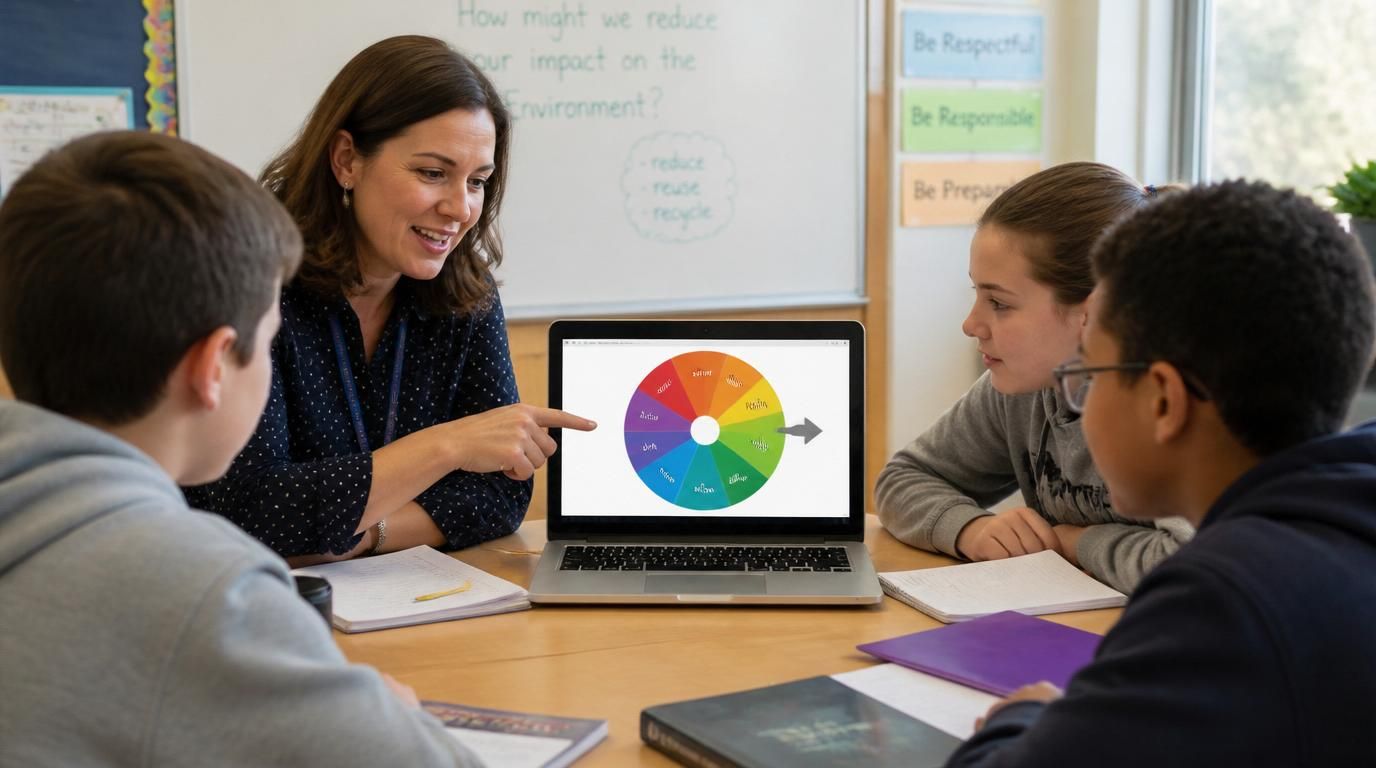
Anyone who's tried to use Flippity in a hurry knows the moment. You want to call on a random student in the next thirty seconds. You open Flippity, pick the spinner template, and then realize you need to copy a Google Sheet, paste your roster into it, publish the sheet to the web, copy the URL, paste it back — and by the time it's done, you've already cold-called manually and the moment is gone.
That's the gap most teachers run into. Flippity has a great range of activity templates, but the Google Sheets dependency turns "I need a quick spinner" into a five-minute setup project. The reason "flippity alternative" gets searched is rarely about features — it's about cutting the setup.
Why people end up looking for an alternative
Reading through searches like "flippity without google sheets," "simple alternative to flippity," and "classroom spinner alternative," the pattern is clear:
- The setup feels heavier than the task. Spinning a wheel should not require a separate spreadsheet that has to be published to the web first.
- It depends on an external tool. If your school account has Google Sheets restricted, or you're on a personal device without a Google login, the whole flow breaks.
- It isn't beginner-friendly. Substitute teachers, after-school staff, parent volunteers — anyone who didn't set up the original sheet can't easily edit it.
- It isn't instant. Even when you know the steps, the round trip from "open Flippity" to "actually spinning" is 90 seconds at best.
For a tool that fundamentally exists to save you time, that's a lot of overhead.
What teachers actually want
Strip it back and the wishlist is short:
- Open and use. The page should be ready to spin within seconds — no template gallery, no integration step.
- No external tools. Pasting a class roster should work. Typing names should work. Editing one name should work. None of that should require Google anything.
- A simple interface. Clear enough that a sub teacher or a 4th-grader could spin it without instructions.
- Ready for classroom use out of the box. Big enough to read on a projector, calm enough not to over-stimulate the room, fair enough that no one calls favoritism.
That's the actual definition of a good flippity wheel alternative — not "more features," just "less setup."
What makes a good alternative
Three things, mostly:
- Standalone. Everything happens on one page. No second tab, no third-party login, no spreadsheet step.
- Fast entry input. Paste a roster, paste a comment list, paste a list of activities — the wheel rebuilds in real time. Edit one name without re-pasting the whole list.
- Smooth for repeated use. A teacher might spin 30 times in a class period. The animation should stay snappy, the result should be obvious from the back row, and the wheel should reset itself the moment the spin finishes.
If a tool nails those three, the Google Sheets step becomes unnecessary entirely.
A simpler way to spin
This is where Spinwheely fits. The whole tool is built around skipping the setup — open the page, paste names one per line, click the wheel. The animation runs, a name is selected, you call on that student. The next spin is one click away.
There's no template to choose, no integration to authorize, no sheet to publish. If you want to keep your class list between days, the dedicated random name picker wheel remembers it in your browser so you don't have to rebuild it tomorrow morning.
It's not trying to do everything Flippity does. It's trying to do the spinner part without the Sheets part.
Where it actually fits in the classroom
The most common scenarios:
- Random student selection. Cold-calling without favoritism, picking the next reader, choosing who answers a review question. Turn on remove-after-spin and you have a fair rotation that lasts the whole period.
- Classroom games. Vocabulary review, math facts, trivia rounds. Spin for the next category, the next student, the next challenge.
- Group activities. Picking partners, choosing presenters, deciding who goes first. The random team generator handles the "split the class into 5 groups" version in one click instead of 30 spins.
- Quick decisions. Whose example we use on the board, which problem we tackle first, which song plays during clean-up time.
- Sub day kits. A substitute can open the page, see the roster you saved, and run the same routines without needing your Google login.
Complex setup vs instant use
The contrast is easy to feel. With the spreadsheet-based flow, the steps go: open the spinner site, choose a template, copy the sheet, paste your list, publish to the web, copy the URL, paste it back, then finally spin. With a standalone tool, the steps go: open the page, paste your list, spin.
That's the entire pitch. It's not that one approach is wrong — it's that for the 90% of moments where you just need a quick spin, the second flow is dramatically less work.
And because there's no external dependency, the tool keeps working when the WiFi is glitchy, when Google is having a bad day, or when you're on a school device that locked down third-party integrations last week.
Real classroom moments
A 6th-grade teacher loads her roster on Monday morning, turns on remove-after-spin, and uses the same wheel all week to call on students fairly. By Friday she has a participation log without writing one down.
An after-school program leader pastes 14 kids' names into the wheel two minutes before the activity starts. They spin to pick the first team captain, then again to assign roles, then again to pick the next game. No login, no setup delay, no parent volunteer staring at a spreadsheet.
A substitute teacher opens the saved class wheel, runs the morning meeting routine the regular teacher set up, and never has to ask "wait, how does this work?"
Same tool, three very different moments, zero setup in any of them.
Is it easy enough that anyone can use it?
That's the real test. The interface is one page — wheel on one side, list of entries on the other. Type or paste names. Click the wheel. Read the result. The animation is smooth even after dozens of spins, the result is large enough to read from the back of a classroom, and there's nothing else competing for attention.
For repeated use across a school day, that consistency matters more than any specific feature. A spinner that's smooth on the first spin and stuttering by the 50th doesn't survive a real classroom — and that's exactly the bar Spinwheely is built around.
Just open it and start
If your main frustration with Flippity is the setup overhead, the answer doesn't have to be more features. It just has to be fewer steps. Start using instantly. No setup required. Just add names and spin.
Open the page, paste your roster, and you're already running.
