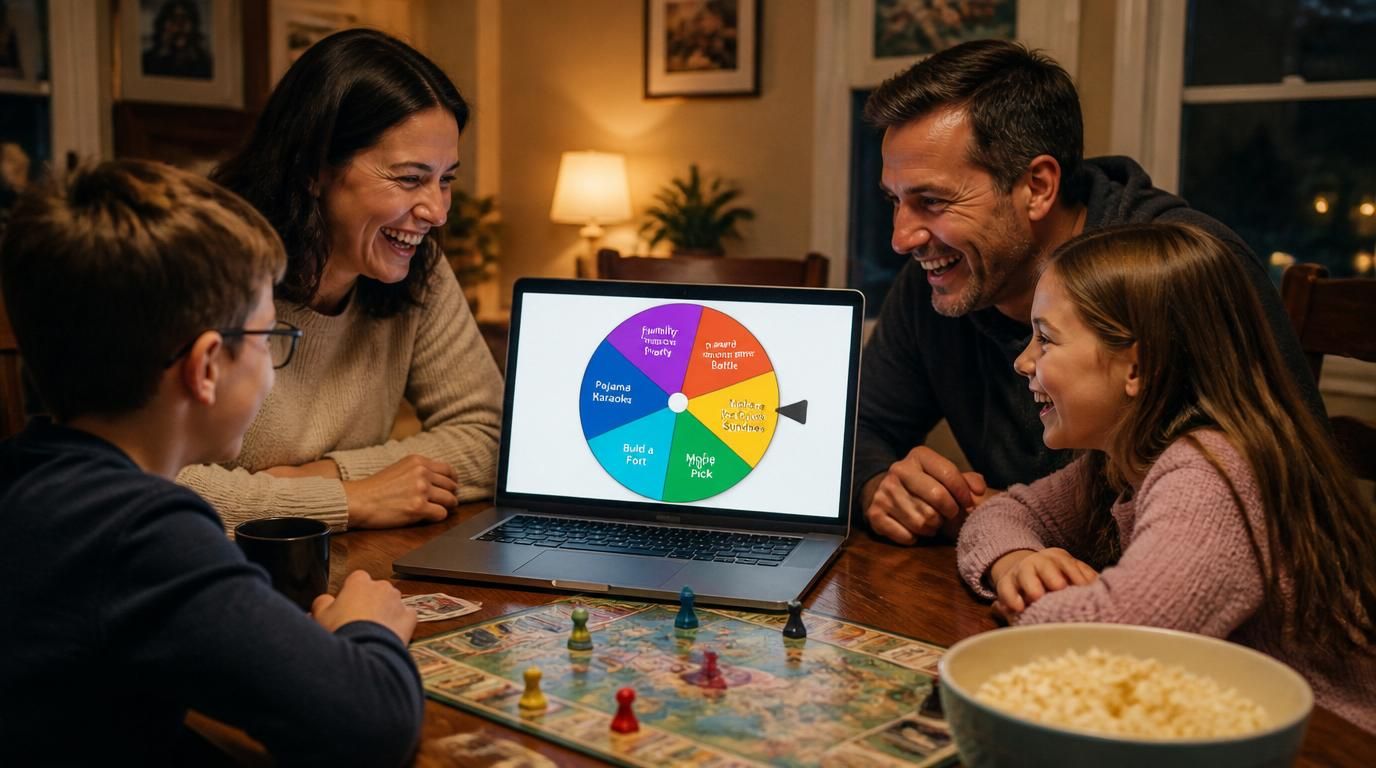
You open a spin the wheel site because you have a small decision to make in the next ten seconds — pick a person, pick a number, settle a yes-or-no — and instead you land on a setup screen. Sign in. Pick a template. Confirm cookies. Skip an ad. By the time the wheel is ready, the moment has passed and someone in the room has already picked manually.
That gap — between "I want to spin" and "the wheel is actually spinning" — is the real reason people search for a spin the wheel alternative. Not features. Not customization. Speed.
What people actually want when they search this
The intent behind "spin the wheel alternative," "spinner wheel online," and "wheel spinner free" is almost always the same: a fast, no-friction tool that works on the first click. When you read the long-tail variants — "spin the wheel no download," "spin the wheel instant use," "quick decision wheel," "simple spinner wheel online" — the pattern is obvious.
It breaks down into four things:
- Instant load. The wheel should be visible and spinnable the second the page paints — not after a tutorial overlay or a feature tour.
- No signup. A 10-second decision shouldn't require an account. If a tool blocks the spin behind an email field, the tab gets closed.
- No setup ritual. Default options should be there already so you can demo, test, or just spin without typing anything.
- Result you can read at a glance. When the wheel stops, the answer should be obvious from across the room — not buried in a small label or a popup that asks you to share first.
None of this is fancy. It's the bare minimum for a tool whose entire job is "decide something in five seconds."
What separates a fast wheel from a slow one
On the surface every spinner looks similar — a circle, some slices, a button. The actual difference shows up in the small moments:
- Time-to-first-spin. How many clicks between landing on the page and seeing a result? Good tools: one. Bad tools: four or five, plus a modal.
- Input speed. Pasting a list of names should "just work." If you have to comma-separate them, escape special characters, or click "add" for each entry, it's already too slow.
- Repeat-spin friction. A good wheel resets itself the instant the animation finishes. A slow one makes you dismiss a results dialog, scroll back up, or wait for an ad refresh.
- Visual noise. Sidebars, banners, popups, "premium" badges — every element competes with the wheel for attention. The cleaner the layout, the faster the decision feels.
Speed isn't a marketing word here. It's the literal difference between "useful for the moment I'm in" and "I'll just flip a coin."
A faster way to spin
This is where Spinwheely fits in. The design choice from day one was the boring one: open the page, tap the wheel, get a result. No onboarding, no account, no template gallery to scroll past.
The default wheel is pre-filled, so even if you don't have a list ready you can spin immediately. If you do have a list, paste it in — one item per line — and the wheel rebuilds in real time. The animation is short enough to not waste your time and long enough to feel fair, and the winning slice is highlighted in a way that's obvious on a phone screen, a laptop, or a projector.
That's the whole pitch. It is deliberately not trying to be the most feature-rich spinner on the internet. It's trying to be the one that doesn't get in your way.
The situations it actually fits
A few real moments where a fast spinner pays off:
- Two options, no time. Pizza or sushi. Stay or go. Movie A or B. A quick spin on the yes-or-no wheel ends the debate before it loops a third time.
- Pick a number on the spot. Door prize raffle, a "guess between 1 and 50" moment, a random seat assignment — the random number wheel handles it without a calculator or a coin.
- Group decisions on a call. Whoever spins, shares the screen, the wheel stops, the meeting moves on. No "let me set this up real quick."
- Classroom or stream moments. Calling on a student, picking the next challenge, choosing the next song — the wheel needs to be ready when the room is, not three menus deep.
- Casual game nights. Drink, dare, category, partner — anything that needs a fair random pick between rounds without breaking the rhythm.
Slow tools vs instant tools
Without naming names, the contrast is easy to feel once you've used both kinds. A slow spinner makes you read a "welcome" card, accept three cookie categories, dismiss a "try premium" toast, then finally lets you replace the demo entries one by one. An instant spinner skips all of that — the demo wheel is the working wheel, and editing it is just typing.
A cluttered interface adds a tax to every spin. Every banner you have to look past, every button you have to mentally filter out, slows down the decision by a fraction of a second. Stack that across ten spins in a meeting or a classroom, and it becomes the difference between "this is fun" and "ugh, just pick already."
Will it actually hold up to repeated use?
Short answer: yes. The wheel is designed for back-to-back spins. Hit it, watch it, it stops, you read it, you hit it again — no reload, no relogin, no daily limit. If you spin a hundred times in an afternoon (game night, training session, livestream giveaway) it behaves the same on the hundredth spin as on the first.
Reliability matters more than people think for this category. A wheel that hangs, drops a frame, or shows an ad mid-spin breaks the moment in a way users remember — and it's exactly why they end up searching "spin the wheel alternative" in the first place.
If you just need a quick decision right now
Open a wheel, type or paste your options, tap. That's the entire workflow. No setup. No signup. Get results in seconds and close the tab.
If you spin once and it just works, that's the whole point. Spinwheely is built for the moment you're already in — not the moment ten minutes from now after you've configured everything.
