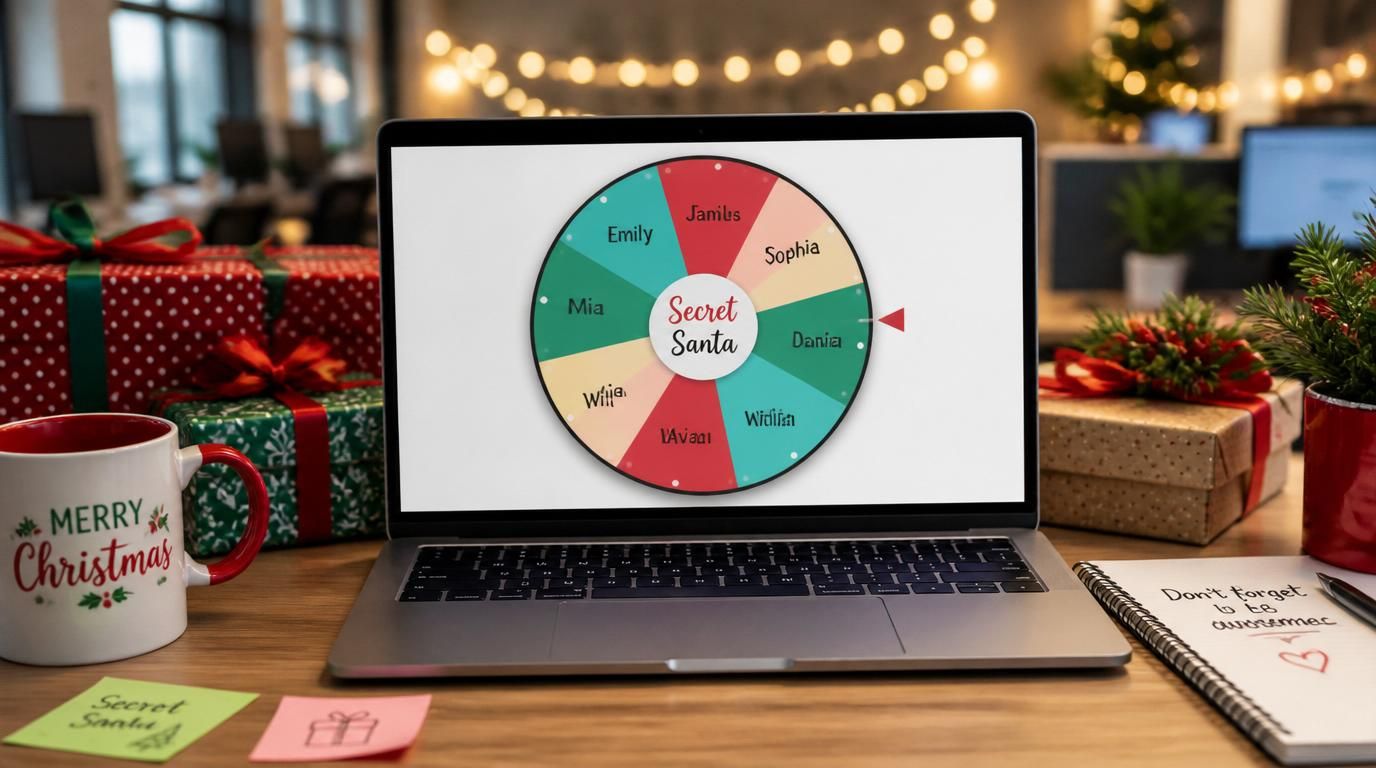
The hat-draw version of Secret Santa is one of those holiday traditions that everyone has tried, almost everyone has had go wrong, and almost everyone keeps doing because the alternative feels like overkill. It isn't. A 90-second digital workflow eliminates every failure mode of the hat draw without losing the surprise that makes Secret Santa fun in the first place.
Here's the version we run for both office groups (8–20 people) and extended family groups (10–25 people).
The four failure modes of hat-draw Secret Santa
Before the workflow, the cases it has to handle:
- Drawing yourself. Happens in any group eventually. The re-draw leaks information — at minimum, the person knows who they were about to be paired with, and often who else is left in the hat.
- Couples drawing each other. If two partners or close family members are in the group, drawing each other defeats the purpose (they already give each other gifts). The fix requires an exclusion rule that the hat can't enforce.
- Late drops. Someone has to drop out the week before. With a hat draw, the only fix is to redraw the entire group, which means the person who was Santa for the drop-out now needs a new recipient — and now everyone's assignment is exposed during the redraw.
- Late adds. Mirror image of late drops. Someone wants to join after the draw. The hat can't accommodate this without re-drawing everyone.
A digital workflow fixes all four by separating the random assignment from the human announcement of results.
The workflow
Step 1: Collect the participant list with exclusions
Each participant submits their name and, if applicable, the names of anyone they can't be paired with (partner, sibling, anyone they're already exchanging gifts with separately). Don't decide exclusions for them; let them tell you. Some couples want to participate together; some don't.
Step 2: Run the assignment privately
Use a Secret Santa generator or any tool that supports exclusions and per-participant private results. The assignment runs once — no preview, no test runs. Each participant gets a private link or email with only their assignment visible.
The point of doing this privately rather than as a group activity: nobody sees anyone else's results. The surprise is preserved for the actual gift exchange, which is the entire reason people enjoy Secret Santa.
Step 3: Share wish lists
This is the step most groups skip and shouldn't. Each participant writes a short wish list — 3 to 5 ideas, with price points if helpful — and submits it with their name. Each Santa sees only their assigned person's list.
The wish list does two things. First, it eliminates the "I have no idea what to get them" problem that produces the kind of generic gifts that make Secret Santa feel pointless. Second, it keeps the surprise: the Santa knows what's on the list but the recipient doesn't know who's choosing from it.
Step 4: Set the budget clearly
One number, communicated before the assignments go out. $25, $50, whatever fits the group. The most common Secret Santa failures are budget mismatches — one person spends $80, another spends $15, and both are now uncomfortable. A clear single number prevents this.
For groups that hate dollar caps, the alternative is "one nice item, your judgment of what's reasonable." This works for tight-knit groups and falls apart in office contexts where the size disparities are too visible.
Handling exclusions correctly
The exclusion logic is where digital tools earn their keep. The most common rules:
- Symmetric pair exclusion. A can't draw B and B can't draw A. Most couples.
- One-way exclusion. Rare, but occasionally needed (e.g. a manager who shouldn't draw a direct report, but the direct report drawing the manager is fine).
- Group exclusion. Whole families participating together, none of whom should draw within the family. Works as a set of pairwise exclusions, but a good tool handles it as one configured group.
If your tool doesn't support exclusions directly, you'll need to re-spin manually when an excluded pair comes up. This is slow and breaks the privacy of the draw, which is why a tool with native exclusions is worth using even for small groups.
The late-drop problem
Someone drops out the week before the exchange. Two ways to handle this:
- Full re-draw. Cleanest. Tell the group "we've had to re-draw — your assignment may have changed, check your message again." Everyone re-checks. Some assignments stay the same, some change, the chain stays intact.
- Patch the chain. The person who was assigned the drop-out gets reassigned to whoever was the drop-out's recipient. Less disruptive to most participants but creates one person who's been "told twice."
We recommend full re-draw. It's mechanically the same effort (re-run the tool, re-send the messages) and feels cleaner because nobody had a special exception applied.
The late-add problem
Someone wants to join after assignments are out. Two clean options: tell them they can join next year (defensible — they missed the window), or do a full re-draw with everyone's blessing. Don't try to "insert" them into the chain; the chain doesn't have an extra slot, and any patch creates an asymmetry that someone will notice.
The reveal moment
For in-person exchanges, the moment of unwrapping is the actual product of Secret Santa. The whole digital workflow exists so that this moment is as suspenseful and well-matched as possible — the recipient is genuinely surprised, the gift is something they actually wanted, and nobody's worried about whether someone overspent or underspent.
If you've run the workflow above, all three of those are taken care of before the wrapping paper comes off. The hat is the part of the tradition you can safely retire; the surprise and the gift-giving are not.
What about virtual exchanges
For remote teams, the same workflow works with the exchange happening on a video call. Each Santa ships to their assigned person in advance, and during the call everyone opens at the same time. The wish list step matters more for virtual exchanges because the Santas can't drop in on conversation about what the recipient likes.
The biggest virtual-exchange tip: agree on an opening date and time, not just a shipping deadline. The synchronous unwrap is what makes the remote version feel like the in-person one.
Why this is worth the 90 seconds
Secret Santa is a small holiday tradition that produces a disproportionate amount of low-grade friction when it's run badly — mismatched budgets, awkward couple-pairings, last-minute scrambles. The digital workflow eliminates all of it in one setup. Most groups, once they switch, never go back to the hat.
